> For the complete documentation index, see [llms.txt](https://www.pranaypourkar.co.in/the-programmers-guide/llms.txt). Markdown versions of documentation pages are available by appending `.md` to page URLs; this page is available as [Markdown](https://www.pranaypourkar.co.in/the-programmers-guide/java/code-quality-and-analysis/sonarqube/quality-gates-and-profiles.md).
# Quality Gates & Profiles
## About
Quality Gates and Quality Profiles are the **decision and enforcement layer** of SonarQube.\
If issues answer *“what is wrong?”*, gates and profiles answer *“is this acceptable?”* and *“according to which rules?”*.
SonarQube deliberately separates these two concerns.
## What a Quality Gate Is ?
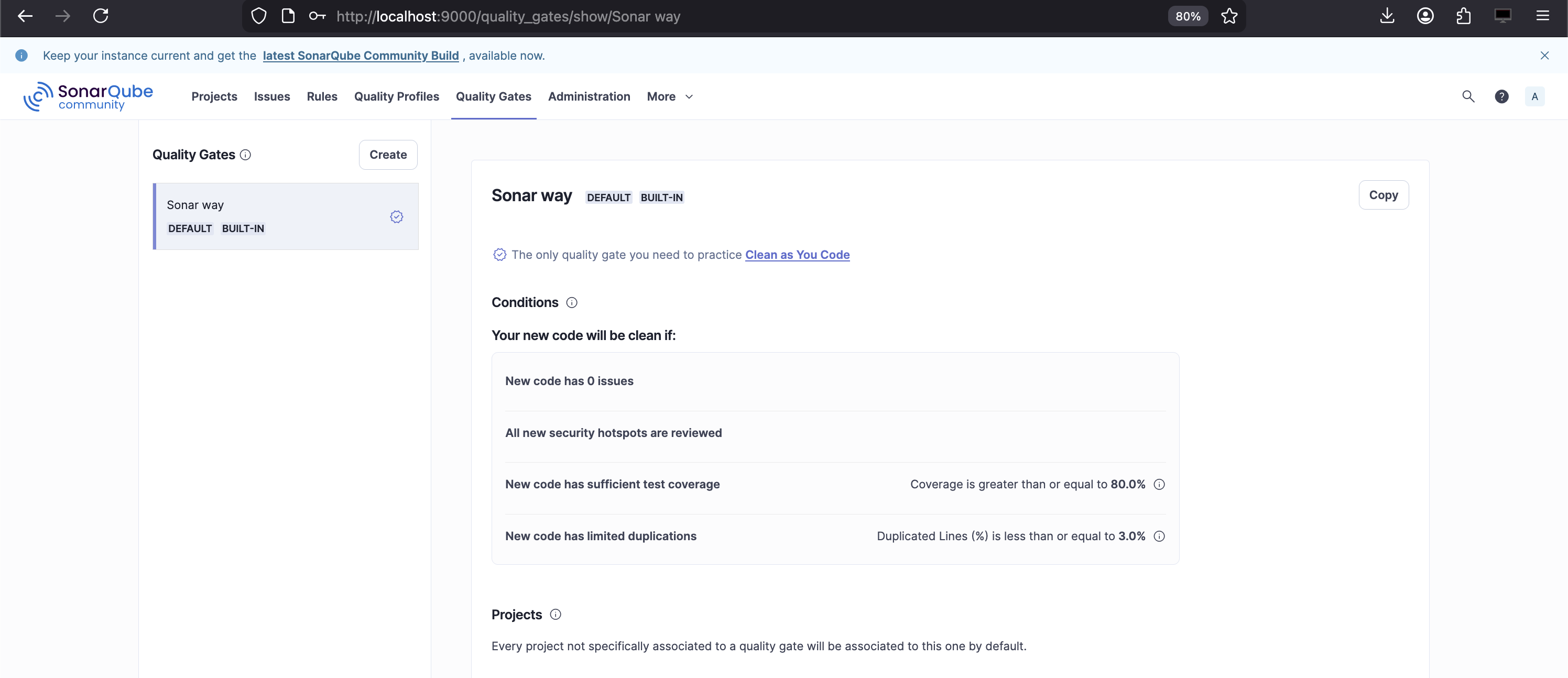
A **Quality Gate** is a **pass/fail policy** applied to a project after analysis.
It answers one question:
> Can this code move forward?
A Quality Gate evaluates a **set of conditions** against analysis results and produces a single outcome:
* Passed
* Failed
This outcome is what you see:
* On the project list
* On the project overview
* In CI/CD pipelines
A Quality Gate does **not define what issues exist**.\
It only evaluates **metrics produced by analysis**.
## What a Quality Gate Evaluates ?
A Quality Gate is built from **conditions**, each of which compares:
* A **metric**
* Against a **threshold**
* Optionally scoped to **New Code**
Common metrics include:
* Reliability rating
* Security rating
* Maintainability rating
* Number of issues by severity
* Coverage
* Duplications
* Security hotspots reviewed
Each condition is binary:
* Condition met → OK
* Condition violated → Gate fails
One failed condition fails the entire gate.
## New Code Focus (Critical Concept)
Modern SonarQube Quality Gates are **new-code-first by design**.
New Code typically means:
* Code added or changed after a reference point
* Usually last version, last X days, or branch baseline
Why this matters:
* Legacy issues do not block delivery
* Teams improve quality incrementally
* SonarQube avoids “rewrite the world” pressure
In practice:
* You may have legacy issues
* But zero new critical issues
* And still pass the gate
This is intentional.
## What a Quality Profile Is ?
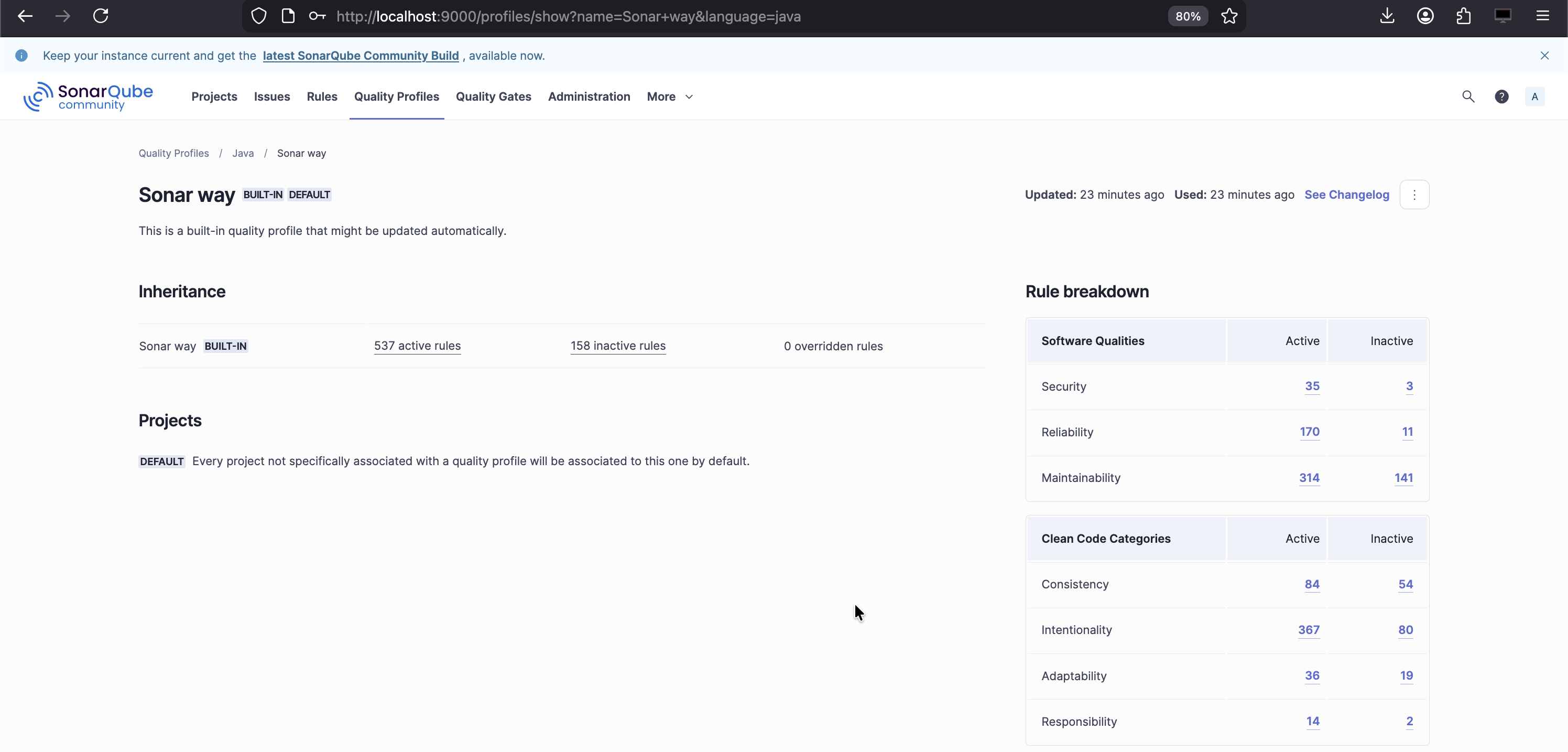
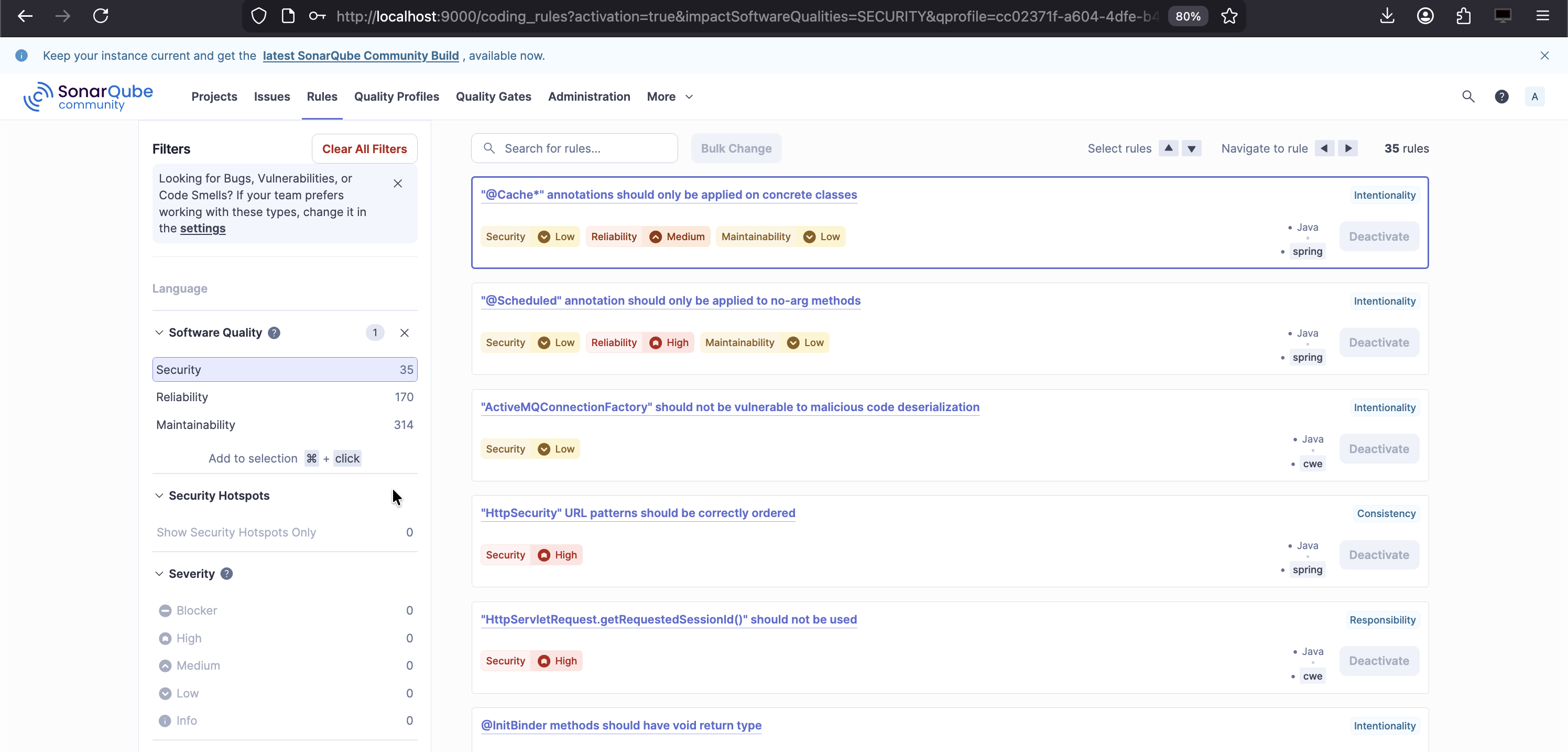
A **Quality Profile** defines:
> Which rules are applied during analysis, and how severe they are.
A Quality Profile is:
* Language-specific
* A collection of enabled rules
* With configured severities and parameters
Profiles answer:
* What is considered a Bug?
* What is considered a Maintainability issue?
* How strict are we?
Profiles directly determine:
* Which issues are raised
* Their severities
* Their estimated effort
## Quality Profiles and Languages
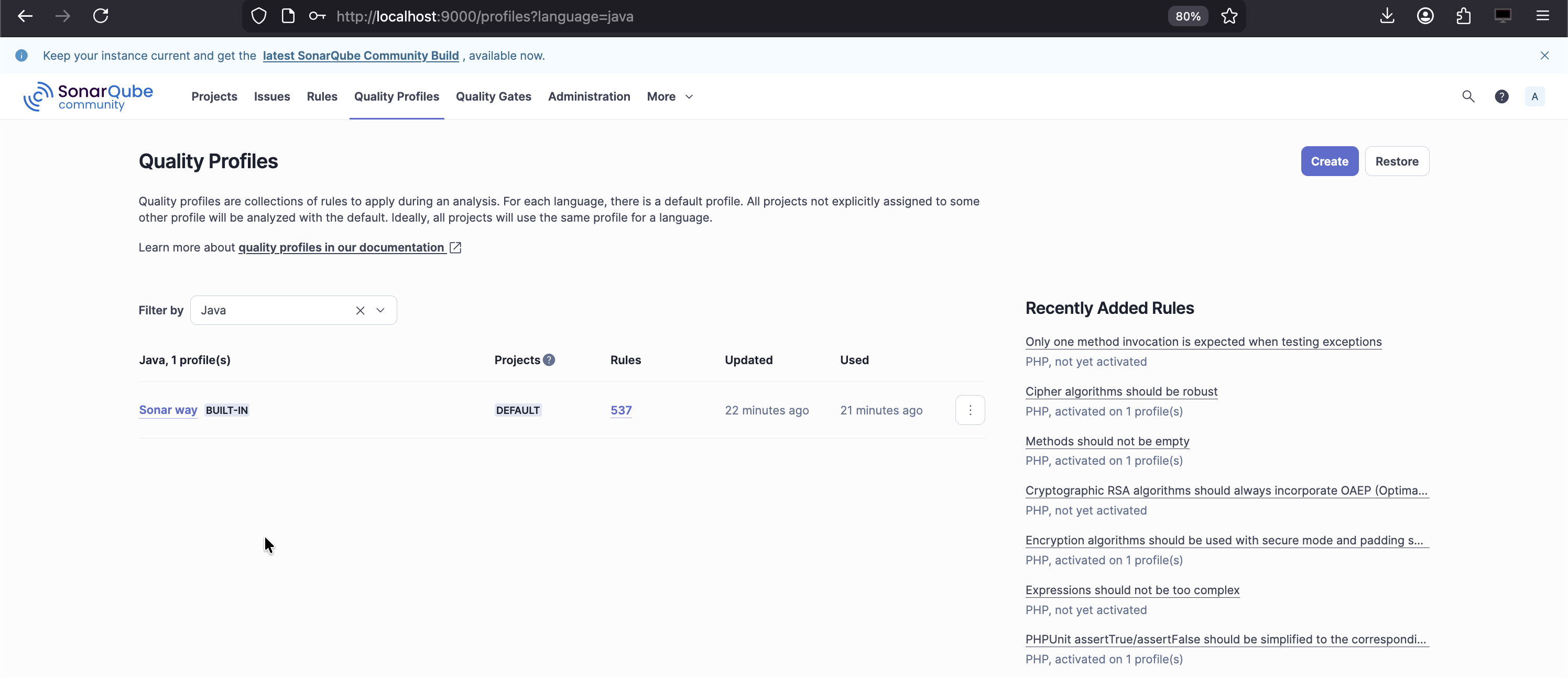
Each language has its own Quality Profile:
* Java
* YAML
* JavaScript
* SQL
* etc.
A project can have:
* One profile per language
* Automatically applied based on detected files
This is why:
* Java rules don’t apply to YAML
* YAML rules don’t affect Java metrics
## Relationship Between Profiles and Gates
This relationship is crucial:
* **Quality Profile** → creates issues
* **Quality Gate** → evaluates results
They are deliberately decoupled.
This allows:
* Same rules, different enforcement levels
* Same gate, different profiles
* Gradual tightening of standards
Example:
* Profile raises many maintainability issues
* Gate only fails on critical reliability or security issues
This separation is one of SonarQube’s strongest design decisions.
## Default Behavior and Customization
Out of the box:
* SonarQube provides default profiles
* Default Quality Gate focuses on New Code
* Conservative thresholds are used
In real teams:
* Profiles are usually customized
* Gates are gradually tightened
* Different gates may exist for different projects
But best practice is:
* Few gates
* Consistent enforcement
* Clear expectations
## Quality Gates as Cultural Tools
Quality Gates are not just technical controls.
They influence:
* Developer behavior
* Review discipline
* Definition of “done”
* Release confidence
Overly strict gates:
* Cause bypassing
* Reduce trust in the tool
Overly loose gates:
* Make SonarQube irrelevant
Effective gates enforce **minimum standards**, not perfection.
### Common Misconceptions
* Gates do not find issues
* Profiles do not decide pass/fail
* Ratings are not simple issue counts
* Severity does not equal fix effort
Understanding these distinctions avoids most SonarQube misuse.
---
# Agent Instructions
This documentation is published with GitBook. GitBook is the documentation platform designed so that both humans and AI agents can read, navigate, and reason over technical content effectively. Learn more at gitbook.com.
## Querying This Documentation
If you need additional information that is not directly available in this page, you can query the documentation by asking a question.
Perform an HTTP GET request on the following URL with the `ask` and `goal` query parameters:
```
GET https://www.pranaypourkar.co.in/the-programmers-guide/java/code-quality-and-analysis/sonarqube/quality-gates-and-profiles.md?ask=&goal=
```
`ask` is the immediate question: it should be specific, self-contained, and written in natural language.
`goal` is what the user is ultimately trying to achieve, the reason they need the answer. Sharing it helps GitBook give you a better, more relevant answer. A goal is most helpful when it describes the outcome the user wants rather than restating the question. For example, with `ask=how do I create an API token`, a goal like `automate deployments from our CI pipeline` lets GitBook tailor the answer to that use case.
The response will contain a direct answer to the question and relevant excerpts and sources from the documentation.
Use this mechanism when the answer is not explicitly present in the current page, you need clarification or additional context, or you want to retrieve related documentation sections.