> For the complete documentation index, see [llms.txt](https://www.pranaypourkar.co.in/the-programmers-guide/llms.txt). Markdown versions of documentation pages are available by appending `.md` to page URLs; this page is available as [Markdown](https://www.pranaypourkar.co.in/the-programmers-guide/spring/concepts-set-3/encoding-or-decoding/base-encoding-decoding-examples.md).
# Base Encoding Decoding Examples
## 1. Encoding Image to an BASE64 format so that it can be shared to web application via Backend Rest API.
### Step 1: Download any image and place it in a folder accessible to java project
arrows.jpg
### Step 2: Run the below Java Code to generate Base64 content of the above image
```java
import java.io.File;
import java.io.FileInputStream;
import java.io.IOException;
import java.util.Base64;
public class ImageToBase64Conversion {
public static void main(String[] args) throws IOException {
// Path to our image file
String imageBasePath = "/Users/pranayp/Documents/Project/Personal/sample-java-project/src/main/resources/image/";
String arrowImage = imageBasePath + "arrows.jpg";
try {
// Convert image to Base64
String base64Image = encodeImageToBase64(arrowImage);
// Print the Base64 string
System.out.println("--------------------");
System.out.println(base64Image);
System.out.println("--------------------");
} catch (IOException e) {
System.err.println("Exception occurred: " + e.getMessage());
}
}
/**
* Encodes the image at the given path to a Base64 string.
*
* @param imagePath the path of the image file to encode
* @return the Base64-encoded string representation of the image
* @throws IOException if an I/O error occurs during file reading
*/
public static String encodeImageToBase64(String imagePath) throws IOException {
// Create a File object from the given image path
File file = new File(imagePath);
// Allocate a byte array large enough to hold the entire file content
byte[] imageBytes = new byte[(int) file.length()];
// Use try-with-resources to ensure the FileInputStream is closed automatically
try (FileInputStream fileInputStream = new FileInputStream(file)) {
// Read the file content into the byte array
fileInputStream.read(imageBytes);
}
// Encode the byte array to a Base64 string and return it
return Base64.getEncoder().encodeToString(imageBytes);
}
}
```
**Output**
{% file src="/files/Ji5p0AjJtTyNizS4mbYr" %}
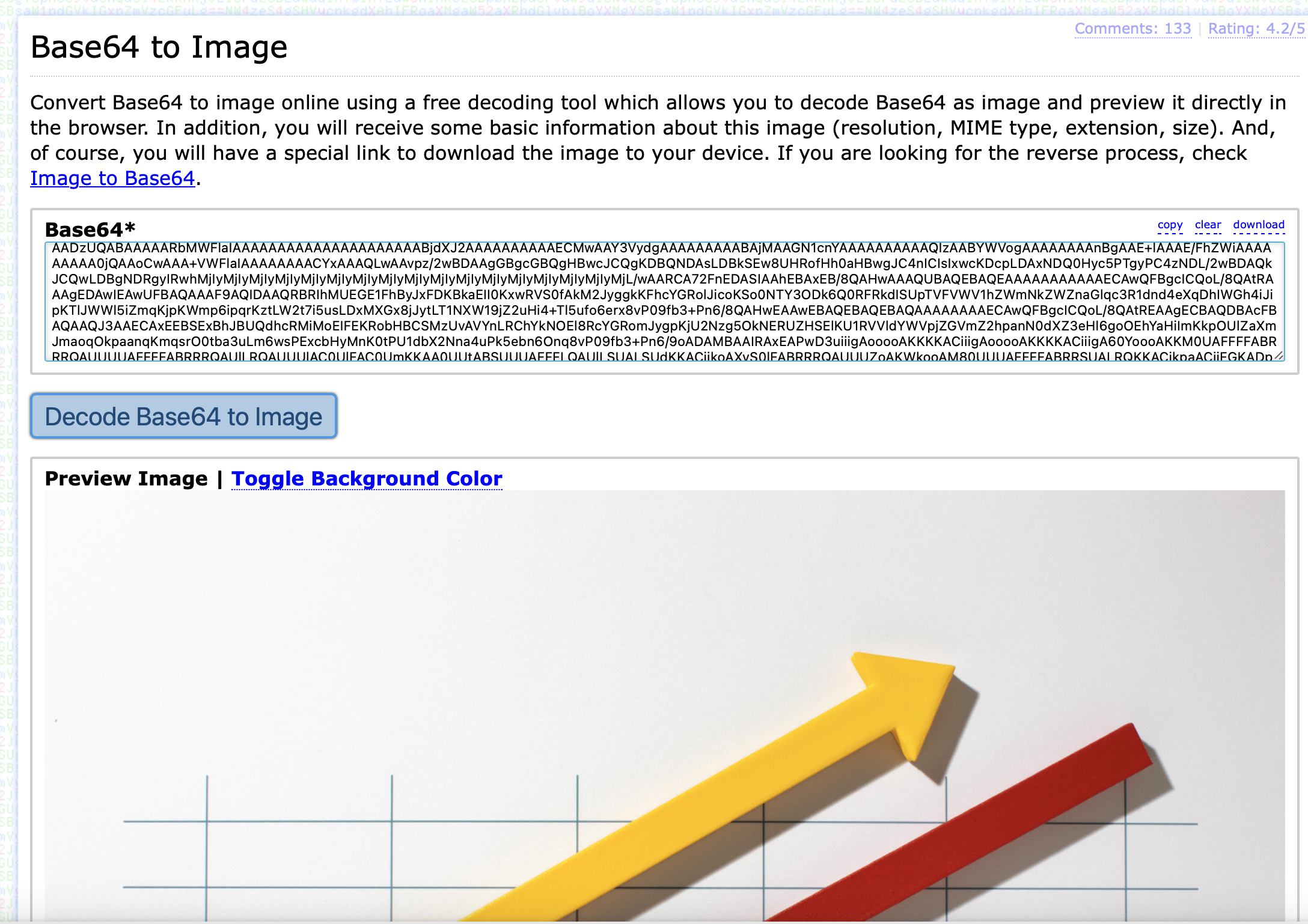
### Step 3: Copy the Base64 content to any online website which converts base64 to image in order to verify the encoded image
Sample Website:
---
# Agent Instructions
This documentation is published with GitBook. GitBook is the documentation platform designed so that both humans and AI agents can read, navigate, and reason over technical content effectively. Learn more at gitbook.com.
## Querying This Documentation
If you need additional information that is not directly available in this page, you can query the documentation dynamically by asking a question.
Perform an HTTP GET request on the current page URL with the `ask` query parameter, and the optional `goal` query parameter:
```
GET https://www.pranaypourkar.co.in/the-programmers-guide/spring/concepts-set-3/encoding-or-decoding/base-encoding-decoding-examples.md?ask=&goal=
```
`ask` is the immediate question: it should be specific, self-contained, and written in natural language.
`goal` is optional and describes the broader end goal you are ultimately trying to accomplish on behalf of the user. GitBook uses it to tailor the answer towards what is most useful for that goal.
The response will contain a direct answer to the question and relevant excerpts and sources from the documentation.
Use this mechanism when the answer is not explicitly present in the current page, you need clarification or additional context, or you want to retrieve related documentation sections.